
Search Appleton Obituary Records
Appleton obituary research is local, but the record path is not one size fits all. The City of Appleton Clerk's Office at 100 N. Appleton Street, Appleton, WI 54911, phone 920-832-6443, is the city contact point. For death certificates, the county portion matters. Appleton sits in Outagamie, Calumet, and Winnebago counties, so the right request may go to the county register of deeds for the part of the city involved or to the Wisconsin Vital Records Office. That split is the key to a clean search. Once you know the county, the obituary trail gets much easier to follow.
Appleton Obituary Records
Appleton obituary records start with the city, but they do not end there. The City of Appleton official website is the best visual cue for the local office and city contact route. It is where you confirm that the city side exists, but it is not the place that issues death certificates. That separation matters in Appleton because a single address can sit in more than one county record system.
The image below comes from the city's official website and shows the same local starting point. It helps anchor the search before you sort out the county portion of the record.
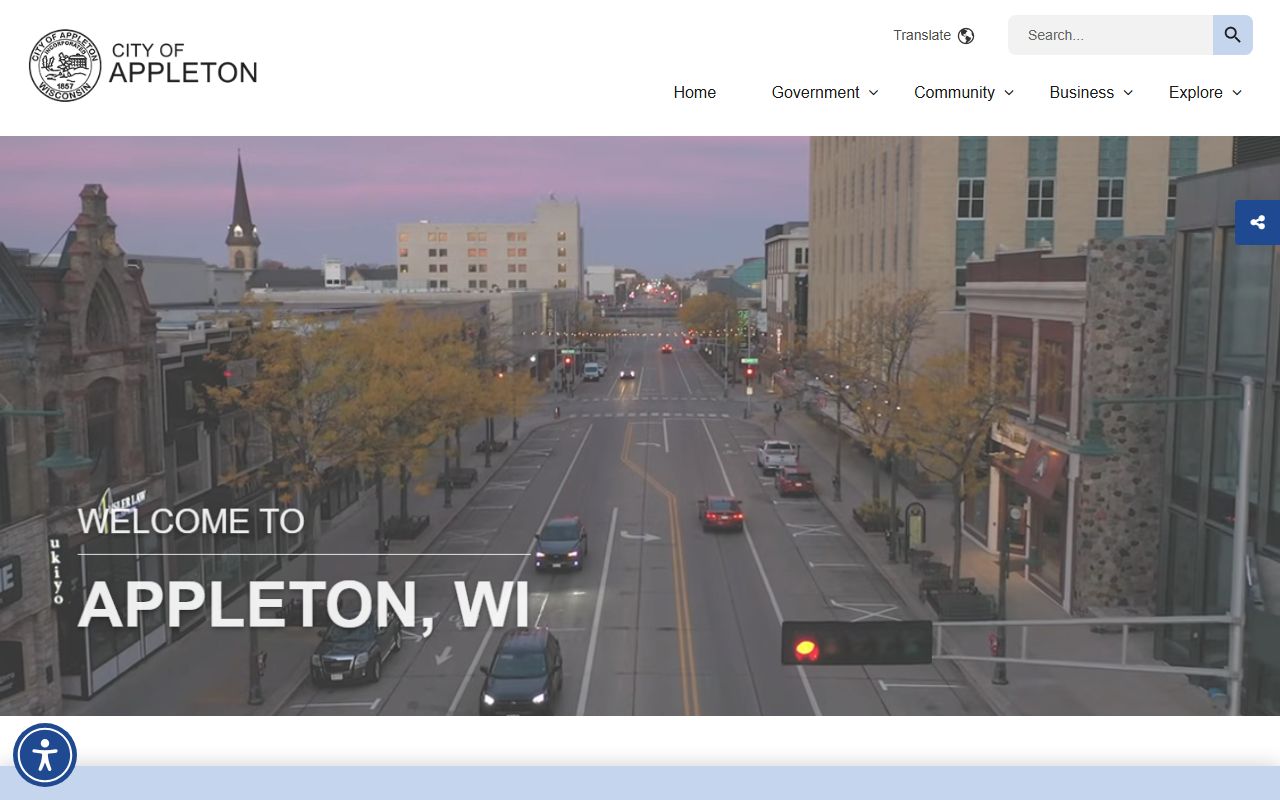
That image is useful because it keeps the search tied to the city office first, then sends you to the right county record office next.
For the Outagamie portion of Appleton, the local county route runs through the Outagamie County Register of Deeds at 410 S. Walnut Street, Appleton, WI 54911, phone (920) 832-5095. Requests can be made in person, by mail, or through VitalChek. That office is often the first certificate stop when the obituary points to the Outagamie side of the city.
Appleton Obituary and County Split
Appleton's county split is the biggest thing to understand. A death in the Outagamie part of the city follows Outagamie County. A death in the Calumet part follows Calumet County. A death in the Winnebago part follows Winnebago County. The city itself stays the same, but the record office changes with the county line. That is why a search can fail if you use the wrong county on the first try.
Use the city clerk to orient the search, then route the certificate request to the county that owns the record. If you already know the county portion, go straight to that county register of deeds. If you do not know it, start with the city address, the obituary notice, and the death place. That usually tells you which county branch belongs in the request.
For readers who need a quick map of the split, this is the basic order:
- Outagamie portion of Appleton goes to Outagamie County
- Calumet portion of Appleton goes to Calumet County
- Winnebago portion of Appleton goes to Winnebago County
- Unsure or out of town requests can use Wisconsin Vital Records Office
Note: Appleton looks like one city on a map, but the certificate route depends on the county line behind the address.
Appleton Obituary Sources
Once the county is clear, the record path becomes much easier. The Outagamie County vital records page explains that death certificates can be requested in person, by mail, or through VitalChek. It is the best place to start when the obituary points to the Outagamie side of the city and you need a real certificate, not just a newspaper hint.
The official county page is here: Outagamie County vital records. The county's VitalChek page is here too: Outagamie County VitalChek ordering. Those two pages give you the cleanest local and remote options for an Appleton obituary search tied to Outagamie County.
The Wisconsin DHS page fills the statewide role. The official Wisconsin DHS Vital Records page confirms that the state office handles Wisconsin vital records and gives you a backup route when the county side is not enough. That is useful when the obituary names Appleton, but the county line is still uncertain.
What to have ready:
- Full name from the obituary or death notice
- Approximate date of death
- Appleton address or county clue if available
- Any spouse, child, or burial note from the obituary
When the county is known, the certificate request usually moves faster than the obituary search itself. The county office already knows which record set to check.
Appleton Obituary Search Tips
The Wisconsin Historical Society pre-1907 index covers Outagamie, Calumet, and Winnebago counties, which makes it a strong older-record tool for Appleton. That matters because a family line may cross county borders long before it shows up in a modern obituary index. If the person died before 1907, or if the newspaper clip is weak, the state index can point you back to the right year and county.
The Wisconsin Historical Society pre-1907 index works best when you keep the search narrow. Use the surname, a likely year, and one spelling variant. For a common name, add the spouse or parent if the obituary gives it. For a hard name, test the county portion first, then widen to the other Appleton counties only if needed.
Historic newspapers can fill the gap when the index does not. Chronicling America is the clean public path for old newspaper notices, funeral items, and short death mentions that may never have made it into a county office. It is especially useful when the obituary date is approximate and you need a wider paper run to catch the right issue.
Appleton searches get easier when you respect the county boundary. That keeps the obituary trail tight, and it keeps the result tied to the right office.
Note: The old record path is county based, so a single city name can still lead to three different offices.
Appleton Obituary Copies
For certified copies, the county office matters more than the city name. The Outagamie County Register of Deeds at 410 S. Walnut Street is the right local office for the Outagamie side of Appleton. Requests can go in person, by mail, or through VitalChek. If the record belongs to Calumet or Winnebago County, use that county's register of deeds instead. If you are not sure, the Wisconsin Vital Records Office can still serve as the statewide backup.
The city clerk does not issue death certificates. It helps orient the search, confirm the city side, and keep the address straight, but the certificate still follows the county line. That is why Appleton obituary research works best when the obituary, the address, and the county office are read together.
When you place a request, keep it tight and direct.
- Use the name exactly as it appears in the notice
- Add the best death date or year you have
- Use the county office that matches the city portion
- Switch to the state office if the county is unclear
The county and state routes are not competing paths. They are the same record system viewed from two levels. That makes Appleton easier once the county line is known.
Appleton Obituary History
Appleton obituary history is built from a city clue, a county record, and a newspaper notice. The city office tells you where the search begins. The county office tells you where the certificate lives. The historical index tells you how to reach older families before modern records begin. That chain is especially important in Appleton because the city spans three counties.
The cleanest approach is simple. Start with the city address. Match it to the county. Check the county register of deeds. Then use the Wisconsin Historical Society and Chronicling America if the record is old or thin. That order avoids the most common mistake, which is assuming every Appleton record belongs to the same county office.
For out of town researchers, the state route is the easiest backup. For local families, the county route is usually faster. For older deaths, the historical index often gives the missing year. Used together, they make Appleton obituary research practical and local instead of broad and vague.
Appleton works best when the county line stays visible. Once that line is clear, the obituary search becomes much easier to trust.